Backed by Purpose.
Built for Scale.

We’re raising $300,000 to launch pilot programs.

Current Progress:

$150K raised
venture-backed by Jumpstart Foundry

Paid pilots starting February 2026

Closing conversations with state-wide health partnerships

A globe resting on an open hand, symbolizing global support or international care.

$100K

Product Development

Green dollar sign symbol.

$100K

User Acquisition Growth - Marketing

A close-up of a handshake between two people, symbolizing agreement or partnership.

$100K

Strategic Partnerships - Sales

Simple bar graph with three bars labeled 1, 2, and 3, with the bar labeled 1 being the tallest.
Blue graphic icon resembling a molecule or network connection

Winner - Delta Innovator Award (Community Impact through 2040)

Featured in TechAR Magazine and Arkansas Money & Politics

Media Logos Section
Logo 1
Logo 10
Logo 2
Logo 3
Logo 4
Logo 5
Logo 6
Logo 7
Logo 8
Logo 9
Logo 11
Logo 1
Logo 10
Logo 2
Logo 3
Logo 4
Logo 5
Logo 6
Logo 7
Logo 8
Logo 9
Logo 11
Logo 1
Logo 10
Logo 2
Logo 3
Logo 4
Logo 5
Logo 6
Logo 7
Logo 8
Logo 9
Logo 11

App Walkthrough

Simple Tools for Smarter Home Care

The nutraRX app empowers caregivers to easily manage health information, track medications, and organize daily care routines for loved ones - all from their phone.
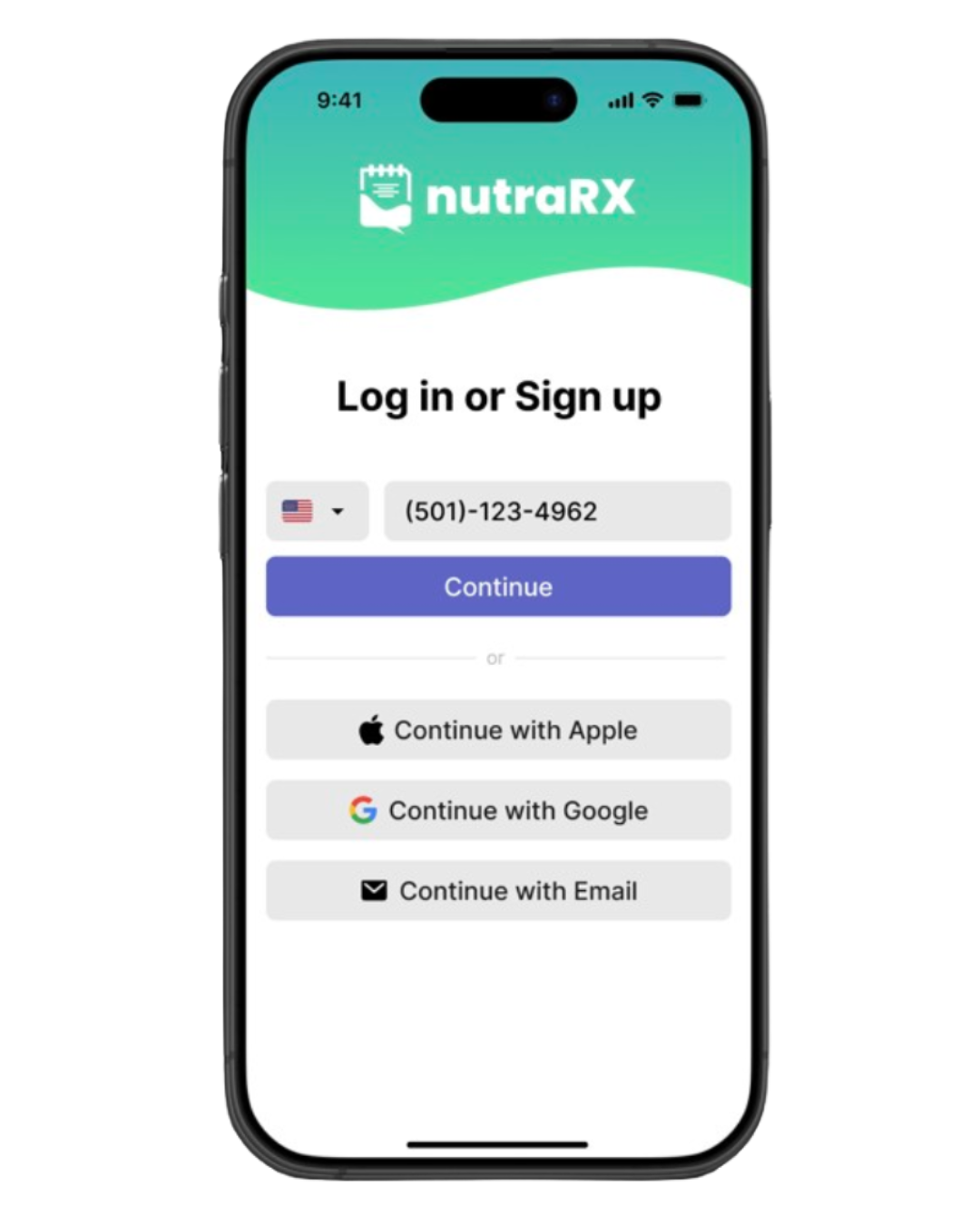
Mobile phone screen displaying the nutraRX app login page with options for email, Apple, and Google sign-in.
Mobile app screen showing a form titled 'New dependent' with fields for name, age, and condition, including options for various health conditions and a selected option for 'Diabetes (Type 2)'.
Screenshot of a mobile app interface showing a list of medical conditions, with 'Diabetes (Type 2)' selected, and navigation buttons labeled 'Back' and 'Next' at the bottom.
Mobile app screen asking, 'What's your role?' with options for 'Caregiver', selected, and 'Dependent', with 'Back' and 'Next' buttons at the bottom.
A smartphone screen displaying a health and task management app with daily nutrition and activity overview, scheduled tasks, and a navigation menu at the bottom.
Mobile app screen displaying options for setting up a new dependent or having an invite, with navigation buttons labeled 'Back' and 'Next'.
A smartphone displaying a calendar app with a 'Create New Event' screen open, showing date September 2nd, and fields for event name, description, start and end times, and an unassigned attendee.